Odoo
Odoo, implemented around how the business already runs.
Consulting, implementation, customisation and optimisation — from a discovery that produces artefacts you can hold, to training built around the awkward cases.
Odoo
Consulting, implementation, customisation and optimisation — from a discovery that produces artefacts you can hold, to training built around the awkward cases.
01 / What usually brings people here
Stock and sales counted separately in each location, reconciled by hand at the end of the week.
Sales happen at the till, invoices are typed up later, and nobody can say which figure is current.
Intake, processing and delivery live in a notebook, a chat thread, and someone's memory of Tuesday.
The system is live and paid for, and the team is still working around it because no one trained them on it.
Everyone signed off a document that cannot fail, so go-live becomes an argument instead of a check.
Numbers are assembled after the month closes, which makes them a record rather than a decision.
02 / The ecosystem
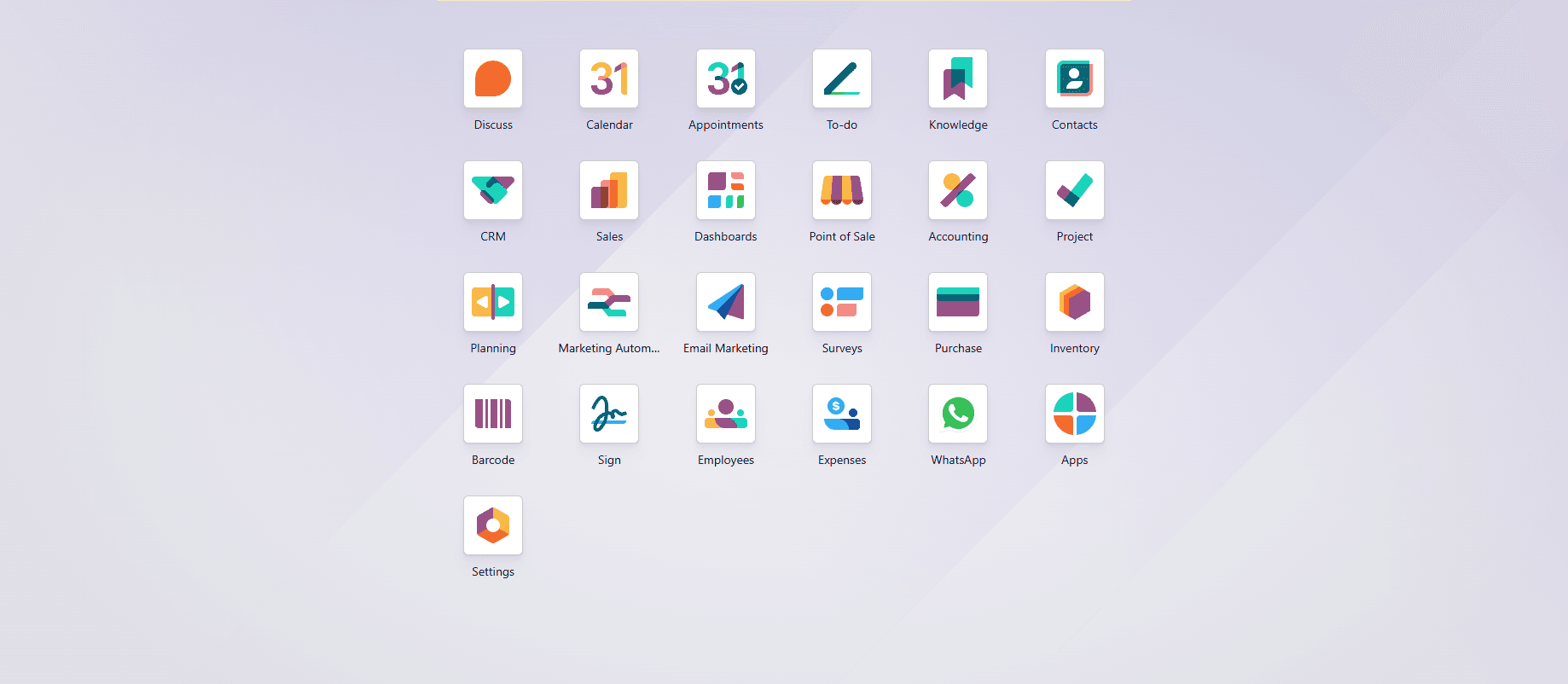
Odoo is a few dozen applications sharing one database. The useful question is never how many you could install — it is which ones the operation earns.
Marked implemented where the work is behind a case study on this site. Everything else is platform I advise on rather than claim as delivery.
From first enquiry to the payment at the counter, on one customer record.
Implemented
Platform
What was ordered, what arrived, what is on the shelf — counted once.
Implemented
Platform
Invoices and journal entries produced by the operation, not retyped after it.
Implemented
Platform
Bills of material, work orders and the loop that improves them.
Platform
Employee records and the routine that surrounds them, in the same system.
Implemented
Platform
Work planned, tracked against time, and invoiced from what was recorded.
Platform
The public side of the business, reading from the same catalogue as the counter.
Platform
Where configuration stops and development starts — deliberately, and in that order.
Implemented
Platform
03 / In operation
Each of these crosses several modules. When one link is done outside the system, the numbers stop agreeing.
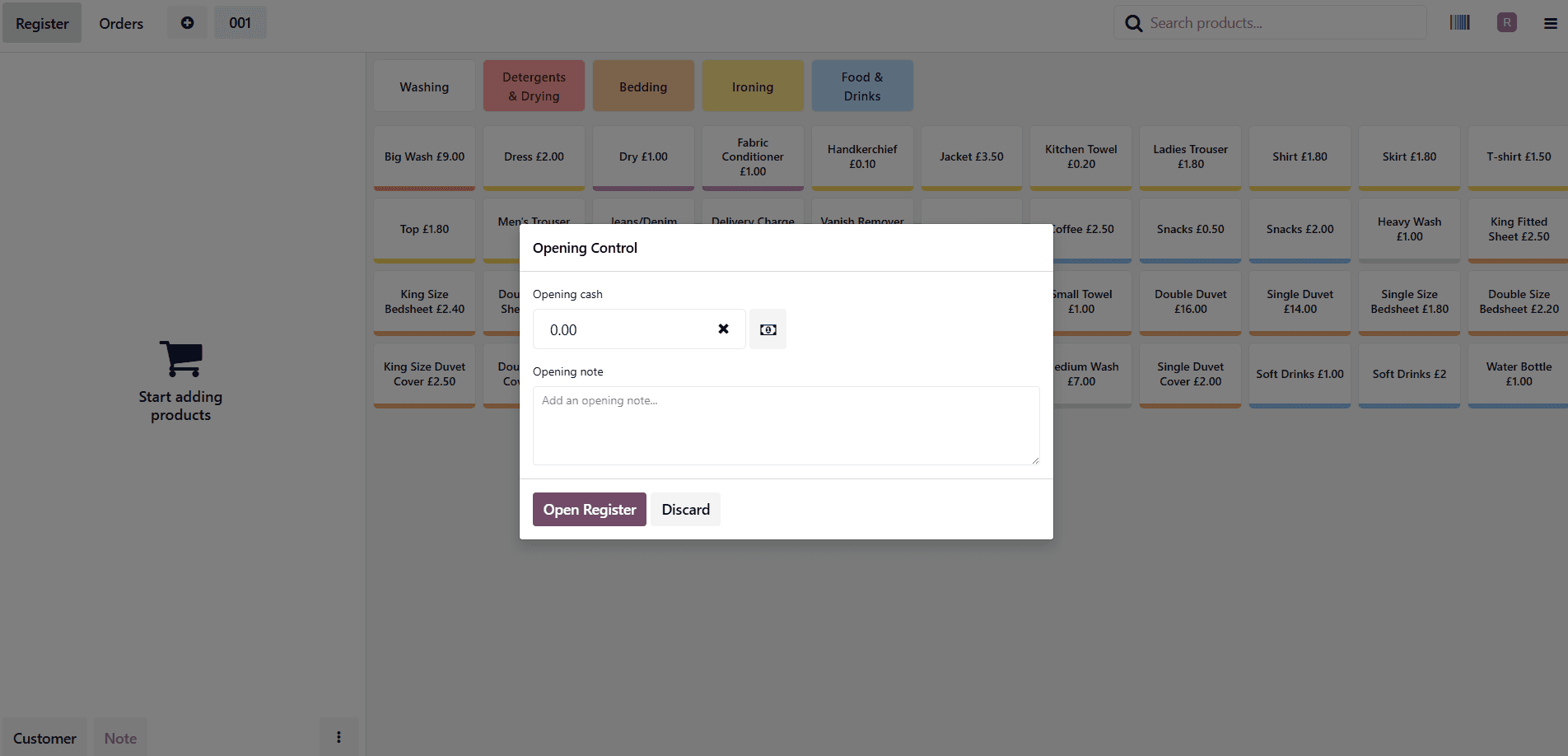
One sale at the till moves stock and writes the accounting entry. Nobody retypes it.
Product
Priced once, in one catalogue
Sale at POS
Counter or kitchen screen
Payment
Session closed and controlled
Stock move
Count falls as it is sold
Journal entry
Revenue posted automatically
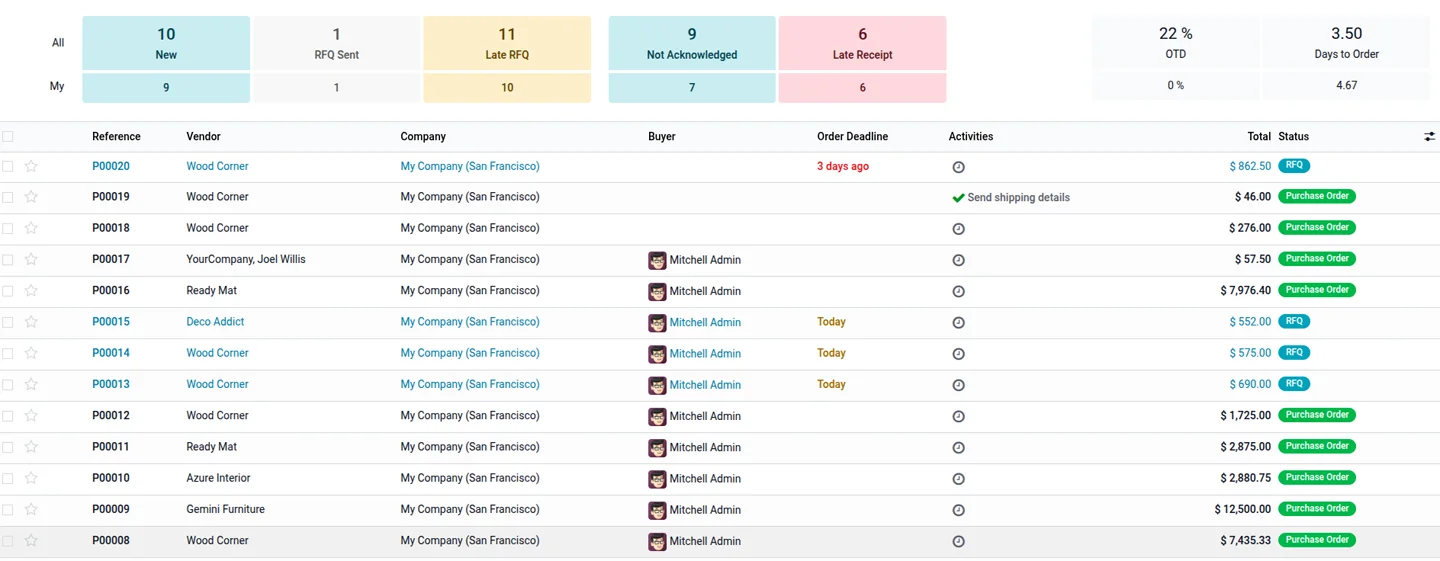
A request for quotation becomes a receipt, a shelf position and a vendor bill without leaving the system.
RFQ
Sent from the shortage, not a memory
Purchase order
Confirmed with a deadline
Receipt
Checked against what was ordered
Put away
Scanned to a location
Vendor bill
Matched to the receipt
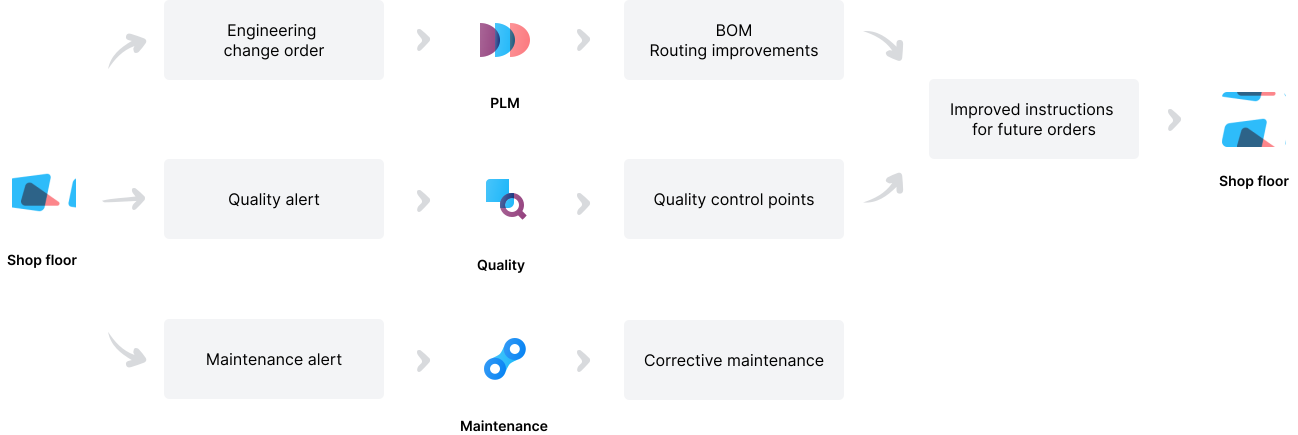
What the floor reports comes back as a changed instruction, rather than as a conversation that ends there.
Shop floor
The problem is seen where it happens
Alert raised
Quality, maintenance or engineering
Change made
Control point, repair or routing change
Instruction updated
Next order runs the better way
04 / The platform
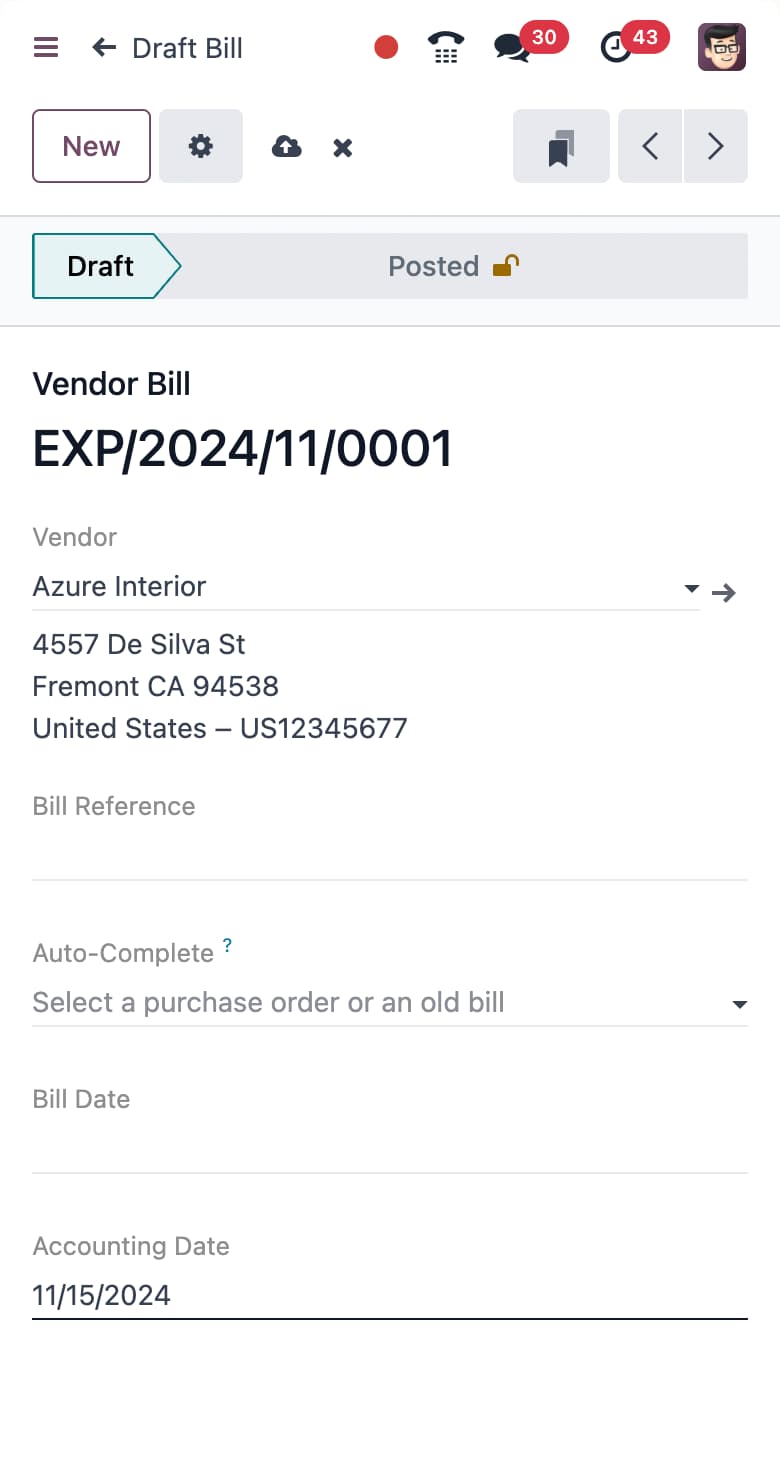
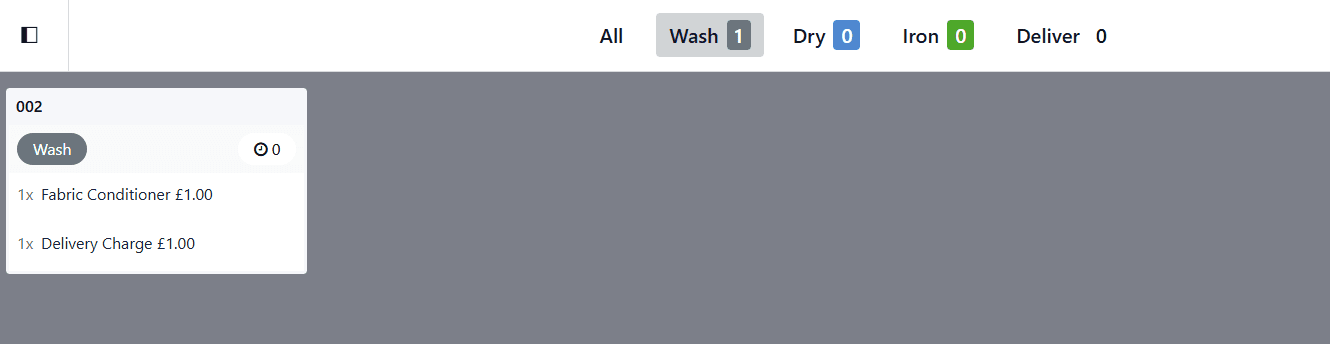
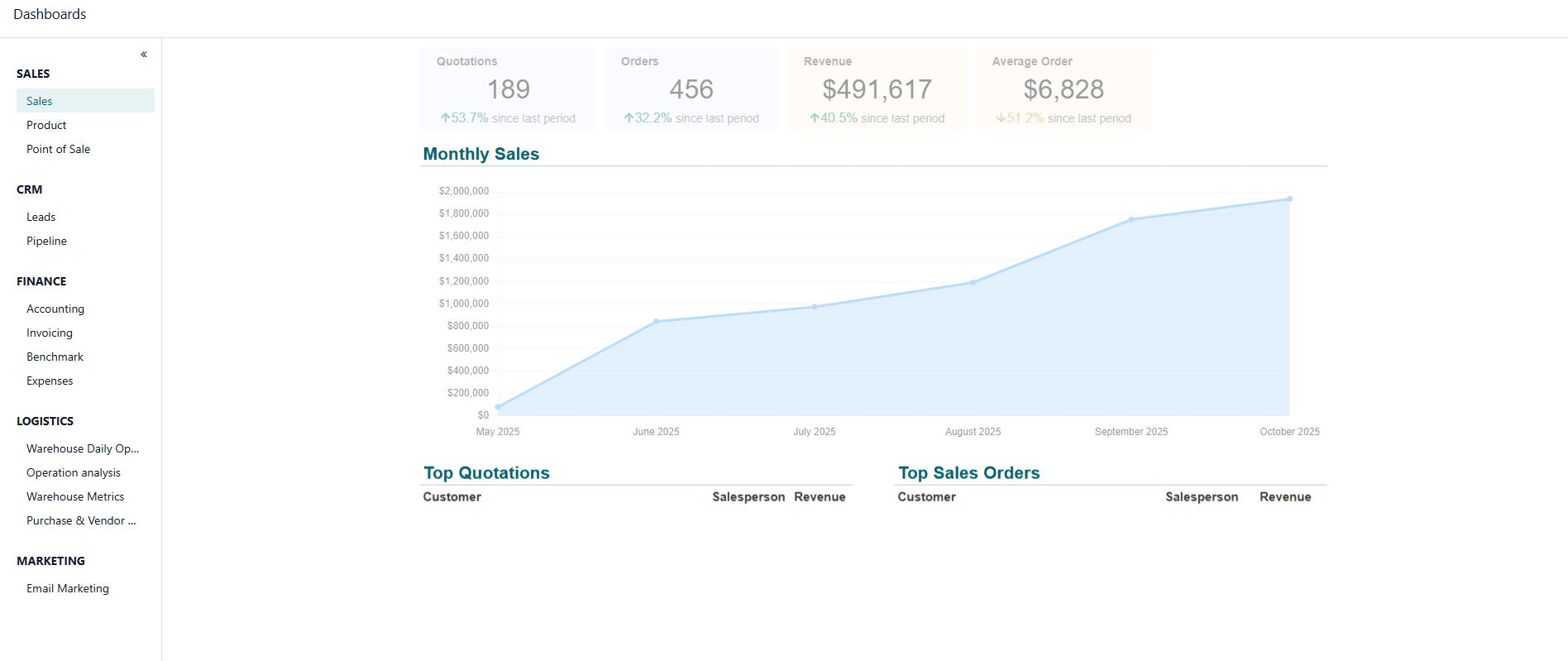
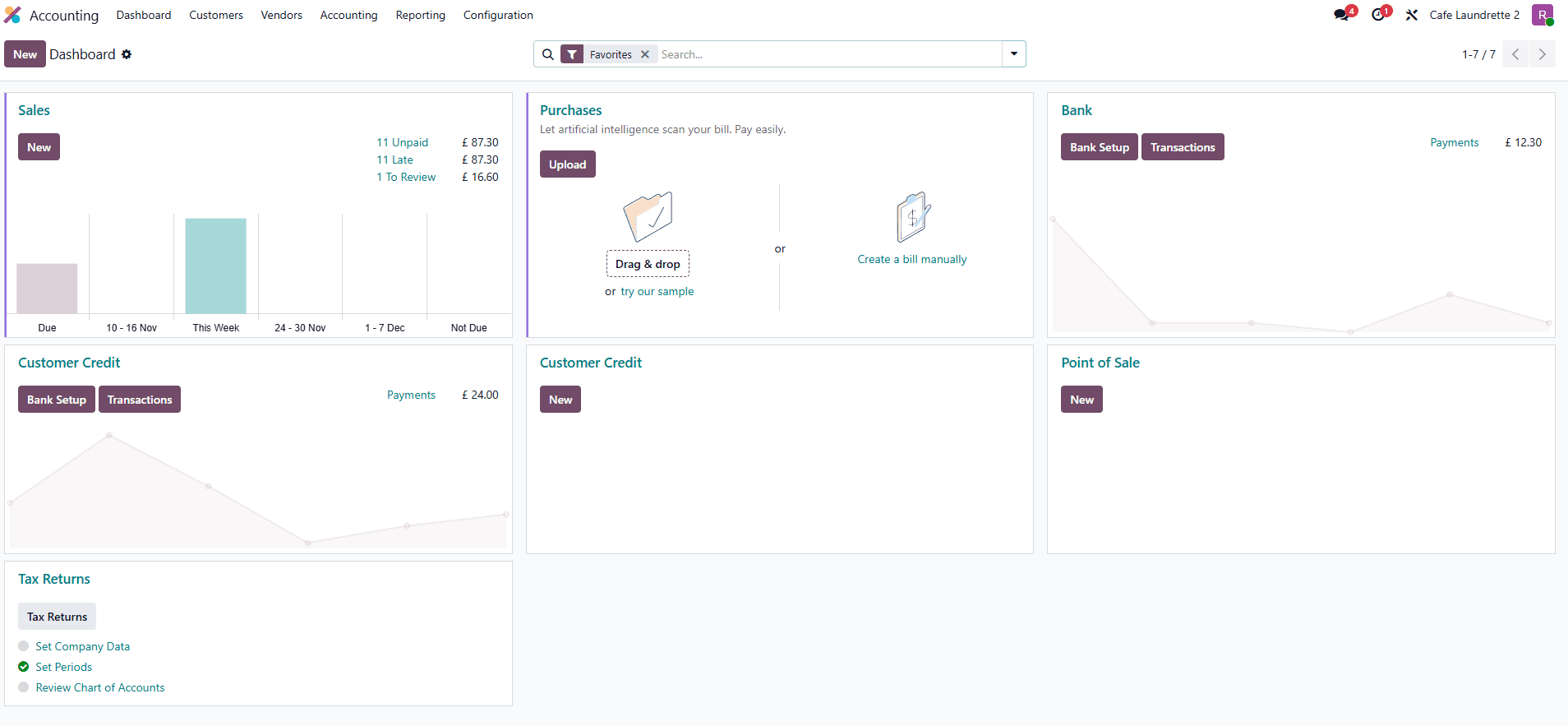
Screens on this page are labelled. Product material is published by Odoo S.A. and shown to illustrate the platform; client implementations are from engagements delivered by me.
Reconciliation is the point at which the operation and the books either agree or do not. If sales, stock and payments are recorded once, this is a review. If they were retyped, it is an investigation.
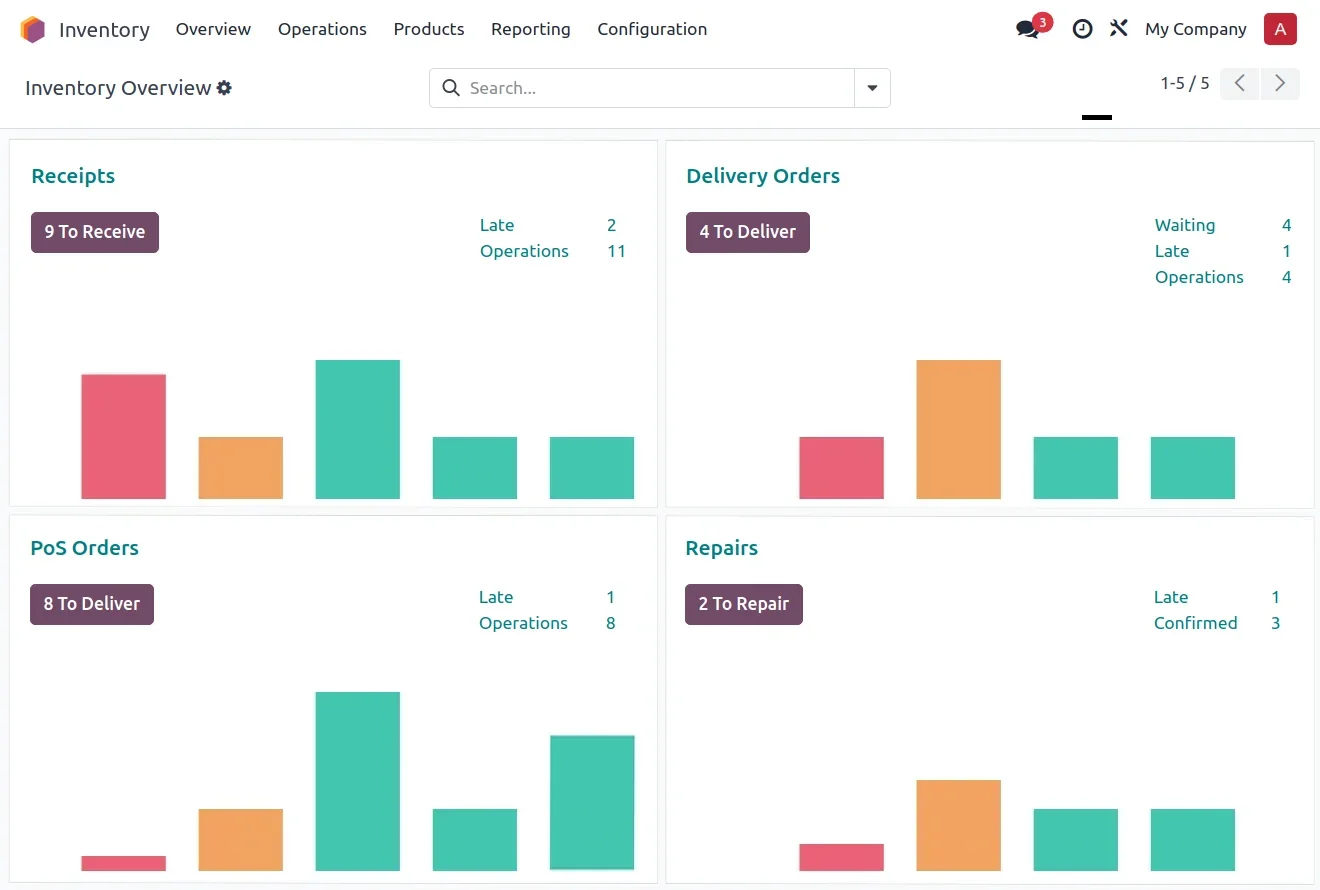
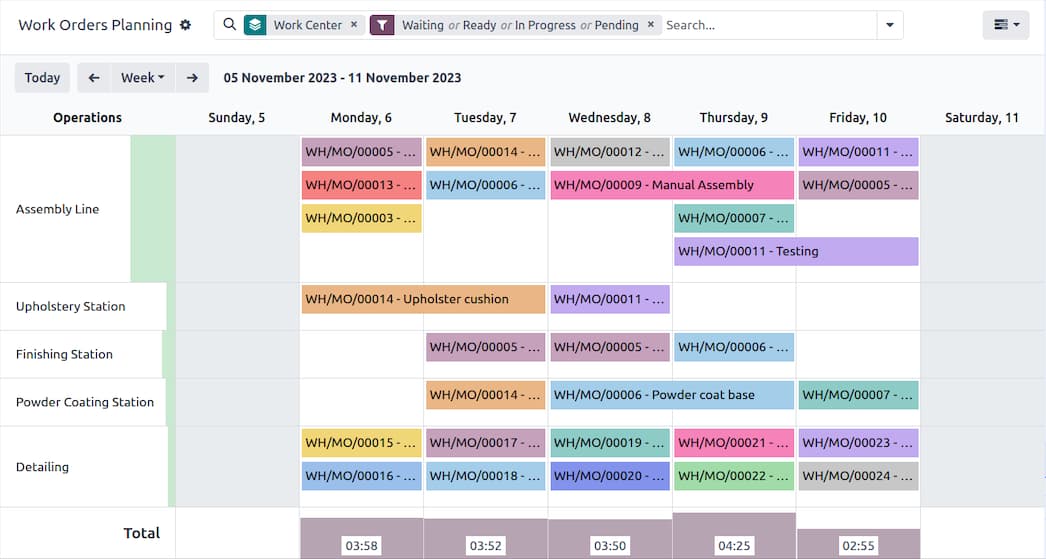
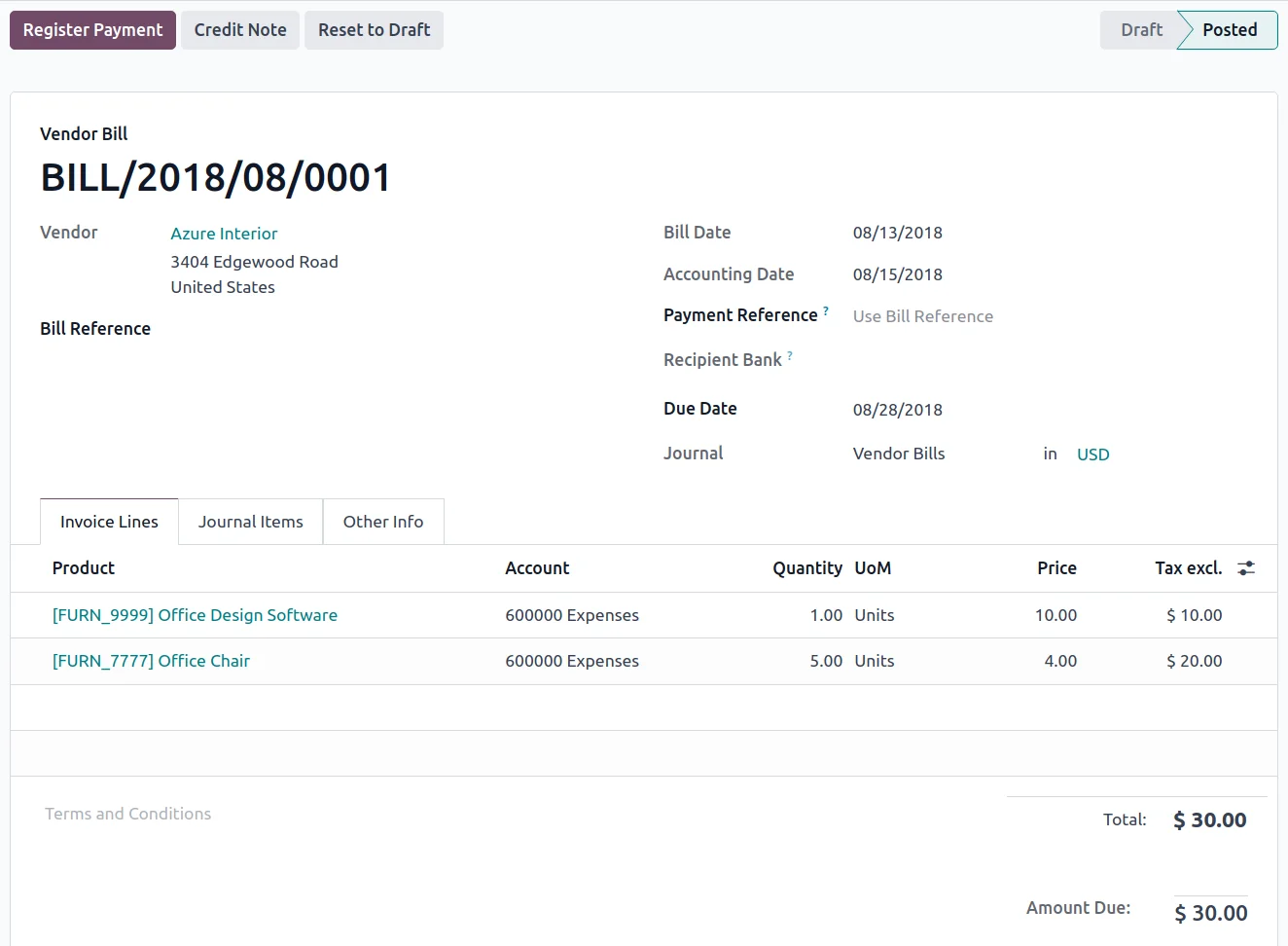
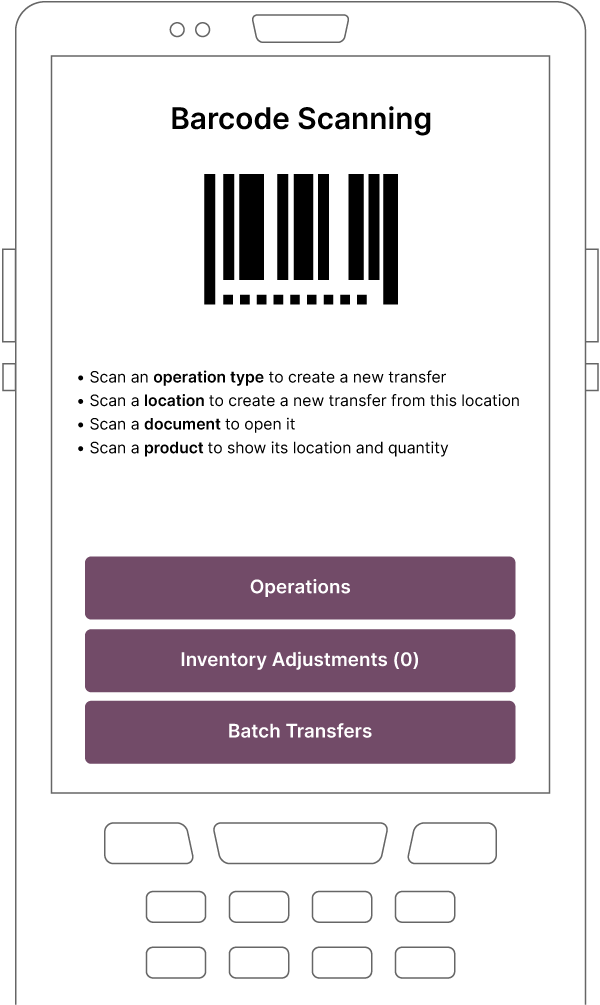
A workaround survives because it is quicker than the system. Which means the fight is not policy — it is field count, click count, and whether the thing works on the device the person is actually holding.
Why teams go around the system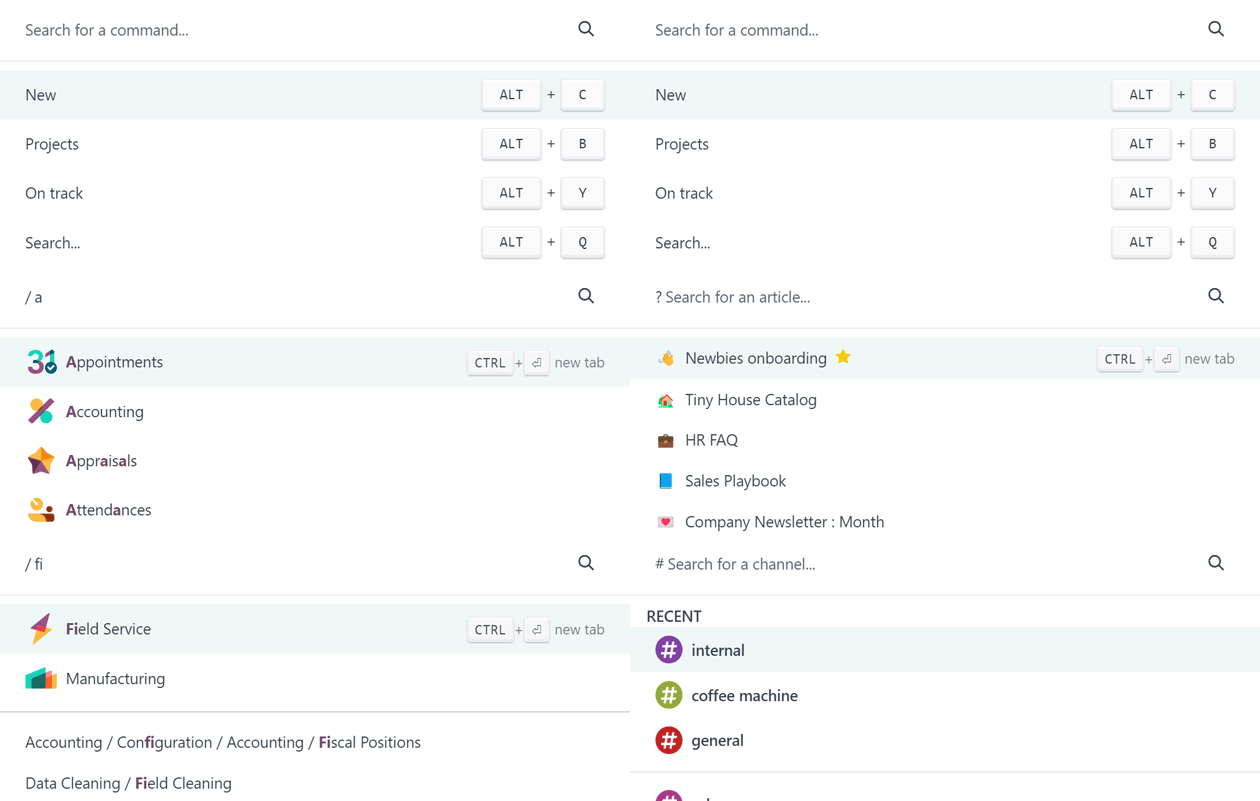
05 / From Odoo
Two films published by Odoo S.A. Neither loads a byte until you press play.
06 / How I work with Odoo
01 Discover
Interviews with the people doing the work, a process map, and a gap analysis — before anything is configured.
02 Design
Requirements written as Given / When / Then, so there is one version of done both sides agreed to.
03 Implement
Configuration against those criteria, module by module, with the data the business actually holds.
04 Customise
Only where configuration genuinely runs out: automation rules first, custom Python and XML after.
05 Train
On site, built around the awkward cases — the refund, the split order, the delivery that arrives short.
06 Optimise
After go-live: what people go around, what takes too many clicks, and what the reports still cannot answer.
Configuration first, then automation rules, then Studio, and only after that a custom module in Python and XML. Every step down that list costs more to maintain, so it has to be earned by a requirement rather than a preference.
07 / Odoo work
08 / Written on this
All insightsThe counter, the count, the invoice, or the report nobody trusts. That is usually enough to know whether Odoo is the right answer — and which part of it to start with.